


Flat RJ45 Ethernet cable WiCable® Pro
10 Gigabit Cat 6/7 RJ45 Ethernet Cable - WiCable® Pro
Connect router, switch and computer with a flat RJ45 cable, in CAT 7 (10 Gbps) or CAT 6 (1 Gbps).
- ✓CAT 7: 10 Gbps, shielded
- ✓CAT 6: 1 Gbps
- ✓Flat, flexible cable
- ✓From 1 to 30 m depending on the option
Tax included.
In stock, Shipment before 24 November
 Free delivery
 14-day returns
 Ships within 48 hrs
 Secure payment
Description
The WiCable® Pro delivers ultra-fast speeds of up to 10 Gbps with a 600 MHz bandwidth. Its RJ45 connectors and STP shielding reduce interference, ensuring a stable, smooth, and reliable connection for everyday use.
Specifications
Compatibility
Delivery & returns
Orders ship within 48 hrs and are delivered in 7 to 10 days with tracking. Free delivery on all orders. You have 14 days after receipt to request a return.

A cable that holds back your wired connection
An old or damaged cable, fragile connectors or electrical interference can stop your wired network from reaching its speed.


Worn cable: An old or unshielded cable, more exposed to interference.
With WiCable® Pro: A flat cable rated for 10 Gbps in CAT 7, or 1 Gbps in CAT 6.

Up to 10 Gbps with CAT 7
The CAT 7 version reaches 10 Gbps with a bandwidth of 600 MHz. The CAT 6 version reaches 1 Gbps. Actual speed depends on your router, your network card, your switch and your internet plan.
A flat cable, easy to route
A flat, flexible cable that is easy to store and route. The CAT 7 version adds double aluminium foil shielding, an oxygen-free copper core and gold-plated RJ45 connectors. Available in 1, 3, 5, 10, 20 or 30 m.

Uses to suit your needs
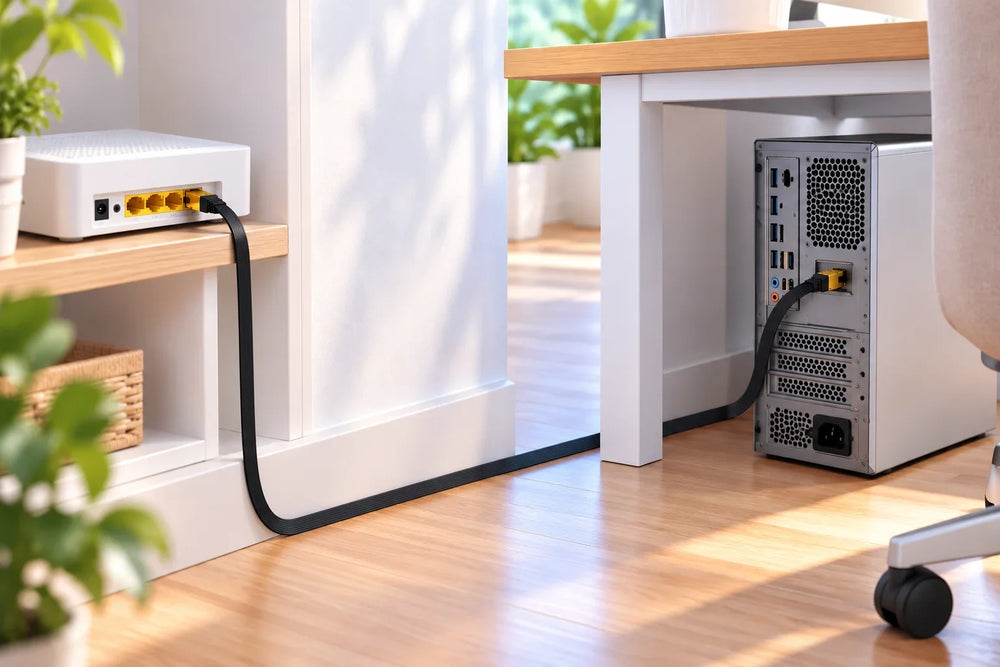
Router to computer
Connect your desktop or laptop computer directly to the router.

Home network
Connect a switch, router or modem to your wired network.
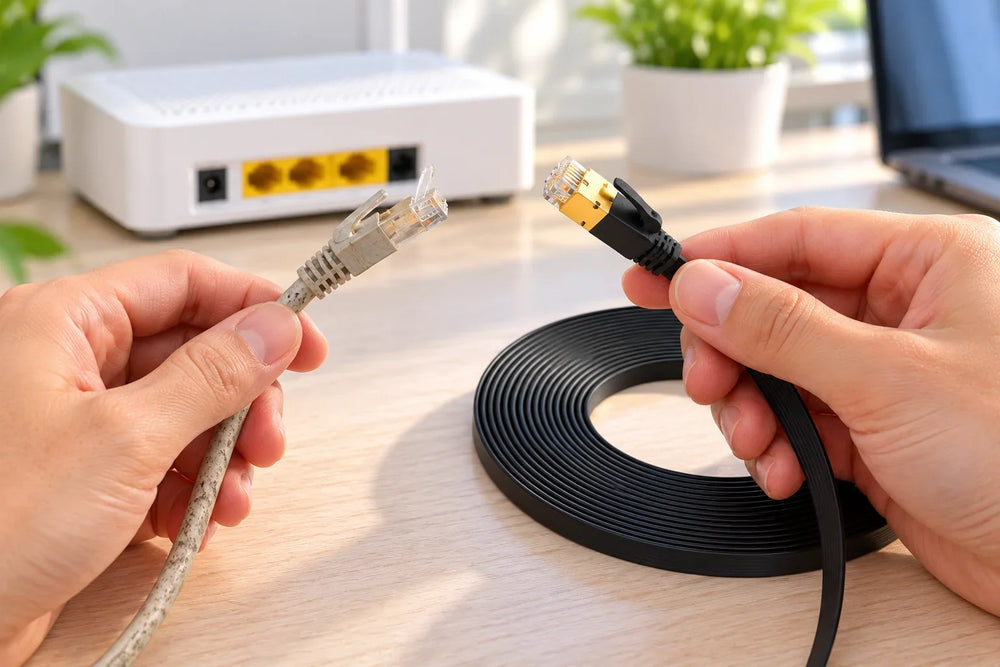
Replace an old cable
Replace an old or damaged cable. The CAT 7 version is shielded against interference.
Setup in 3 steps

Measure the route
Choose the length by measuring the cable run between the two devices.
Plug in on the network side
Plug one end into the router or switch.
Plug in the device
Plug the other end into the computer or device. No configuration is needed.
Choose the right model
Choose CAT 7 if your router or equipment exceeds 1 Gbps; CAT 6 is enough for Gigabit ports. Also check the selected length before ordering.

Frequently asked questions
Category 6 or 7: which should I choose?
Will I get 10 Gbps?
Is it compatible with my devices?
Which length should I choose?
Is the CAT 7 version shielded?
A problem during installation?
Picture installation guide
4 illustrated steps to prepare and connect your WiCable® Pro.


Our guarantees
Free delivery
Dispatched within 48 hours, delivered in 7 to 10 days with tracking.
14-day returns
You have 14 days after delivery to request a return.
Secure payment
Encrypted payment at checkout.
UK support
By email at support@wiboostpro.com or by phone on +44 20 8154 4663, Monday to Friday, 10:00 to 18:00.