


WiFi relay module WiRelay® Pro
4-Channel WiFi Relay Module eWeLink App - WiRelay® Pro
Control up to 4 circuits from your phone, with 3 operating modes per channel.
- ✓4 independent channels, 3 operating modes
- ✓2.4 GHz WiFi + Bluetooth, eWeLink, Alexa, Google Assistant
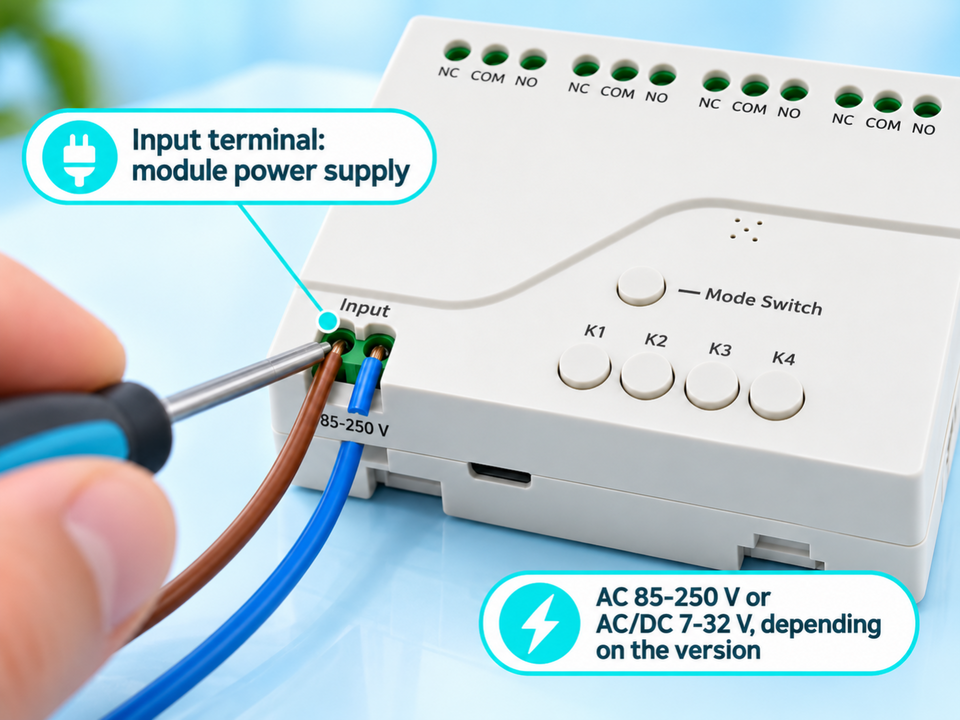
- ✓Two versions: AC 85-250 V or AC/DC 7-32 V
- ✓Installation by a qualified professional recommended
Tax included.
In stock, Shipment before 24 November
 Free delivery
 14-day returns
 Ships within 48 hrs
 Secure payment
Description
Turn your electrical equipment into connected devices with the WiRelay® Pro. Control up to 4 independent circuits from your phone using WiFi + Bluetooth. Enjoy 3 operating modes, eWeLink control, and Alexa compatibility for easier everyday automation.
Specifications
Compatibility
Delivery & returns
Orders ship within 48 hrs and are delivered in 7 to 10 days with tracking. Free delivery on all orders. You have 14 days after receipt to request a return.

Circuits you can control without being on site
A light left on, a gate to open, several remote controls: the WiRelay® Pro lets you control up to 4 circuits from the eWeLink app or with Alexa.


Separate controls: You have to be on site, or have the right remote control.
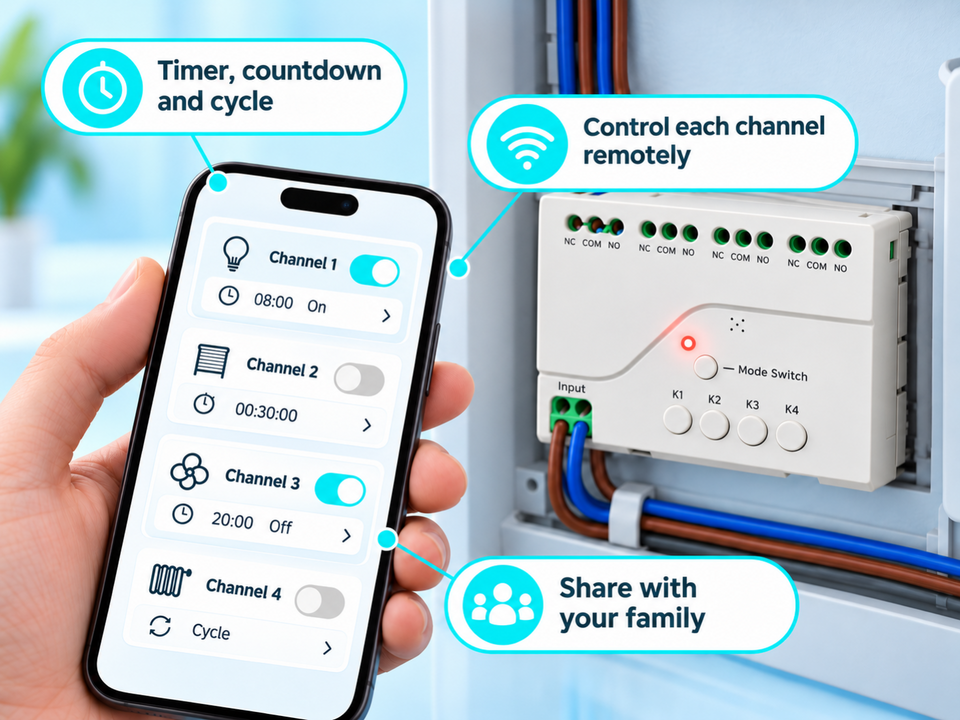
One app for 4 circuits: Remote control via eWeLink (internet connection required) or by voice with Alexa.
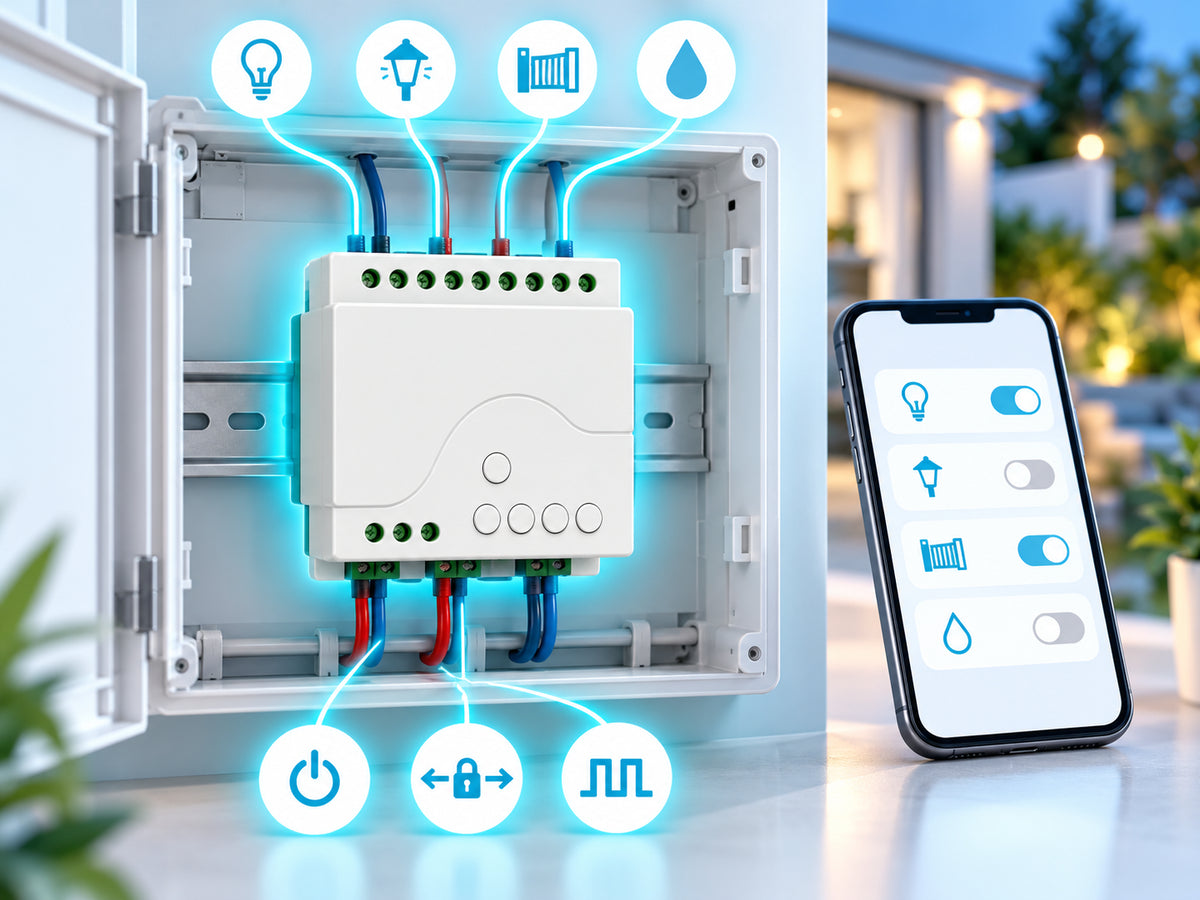
4 channels, 3 modes
Each channel is controlled separately, in one of three modes: self-locking (on/off), interlocking (only one channel active at a time) or momentary. The status of each channel is synchronised in the app.
A 7.6 × 8.1 cm module
The module measures 7.6 × 8.1 × 2.8 cm and connects to the electrical circuit. The connection must be made by a qualified professional.

Uses to suit your needs

Lighting
Switch lighting on or off remotely, from the app or with Alexa.

Gate
Pulse mode sends a brief command, suited to opening a gate.

Pump
Start or stop a pump remotely, within the maximum load limits.
Setup in 4 steps

Cut the power
Switch off the power to the circuit before any work.
Wire the module
Wire the module according to the version chosen (AC 85-250 V or AC/DC 7-32 V). The wiring must be done by a qualified professional.
Pair the app
Connect the eWeLink app to your 2.4 GHz WiFi network to pair the module.
Set each channel
Choose the mode for each channel: switch, interlock or pulse.
Choose the right version
AC 85-250 V for a mains installation, AC/DC 7-32 V for a 12 V or 24 V installation. Never exceed the maximum loads.

Frequently asked questions
Can I install it myself?
Is there an RF remote control?
What is the maximum load?
What is the difference between the two versions?
Is internet required?
A problem during installation?
Picture installation guide
6 illustrated steps to prepare and connect your WiRelay® Pro.



Our guarantees
Free delivery
Dispatched within 48 hours, delivered in 7 to 10 days with tracking.
14-day returns
You have 14 days after delivery to request a return.
Secure payment
Encrypted payment at checkout.
UK support
By email at support@wiboostpro.com or by phone on +44 20 8154 4663, Monday to Friday, 10:00 to 18:00.