


Portable USB-C external SSD WiDrive® Pro
Portable USB-C SSD Up to 1050 MB/s - WiDrive® Pro
An external drive powered by the USB-C port, recognised without a driver, to store and carry your files.
- ✓USB-C port, USB 3.0 / 3.2
- ✓Powered by the USB port, no mains adapter
- ✓Windows, macOS and Linux, no driver needed
- ✓Capacity depends on the version chosen
Tax included.
In stock, Shipment before 24 November
 Free delivery
 14-day returns
 Ships within 48 hrs
 Secure payment
Description
Discover the WiDrive® Pro, a portable USB-C SSD designed to store and transfer your files quickly. With speeds of up to 1050 MB/s, enjoy fast, compact, and reliable storage, ideal for your photos, videos, games, and professional projects.
Specifications
Compatibility
Delivery & returns
Orders ship within 48 hrs and are delivered in 7 to 10 days with tracking. Free delivery on all orders. You have 14 days after receipt to request a return.

Full storage, scattered files
Photos, videos and projects end up filling the computer and getting spread across several devices. An external SSD brings them together on a drive you can take with you.


Without an external drive: Full internal storage and files scattered across several devices.
With WiDrive® Pro: Your files on a USB-C drive you can take with you.

Plug in, copy, take away
The drive plugs in via USB-C and is recognised without a driver on Windows, macOS and Linux. USB 3.0 / 3.2 interface: actual speed depends on the port, the cable and the files.
One cable, no power adapter
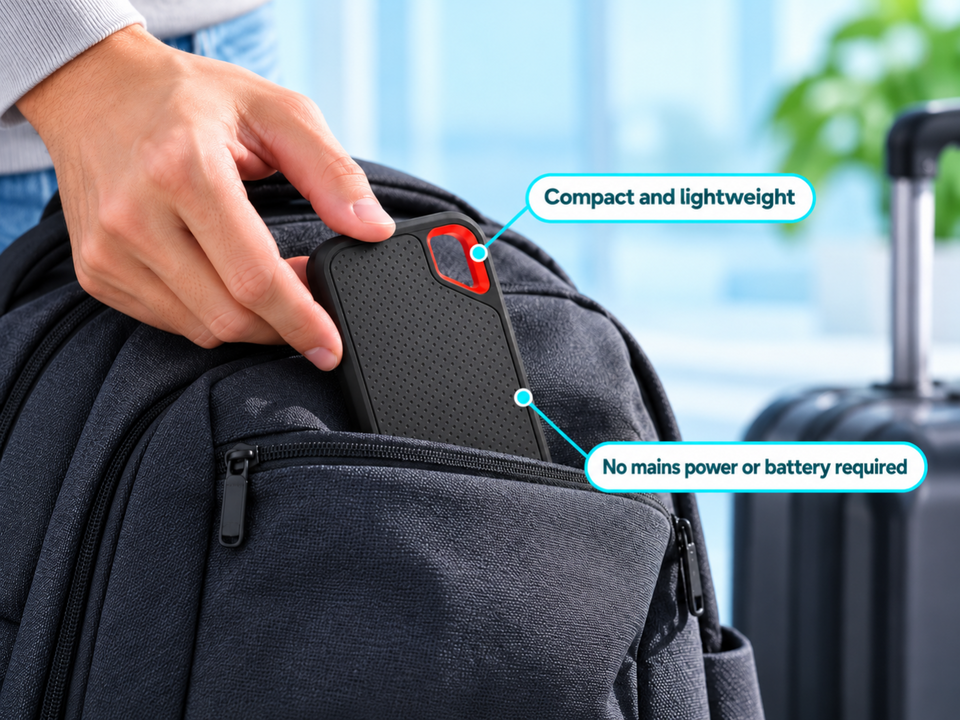
The drive is powered by the computer's USB-C port, with no mains adapter or battery. Textured surface and built-in clip.

Uses to suit your needs
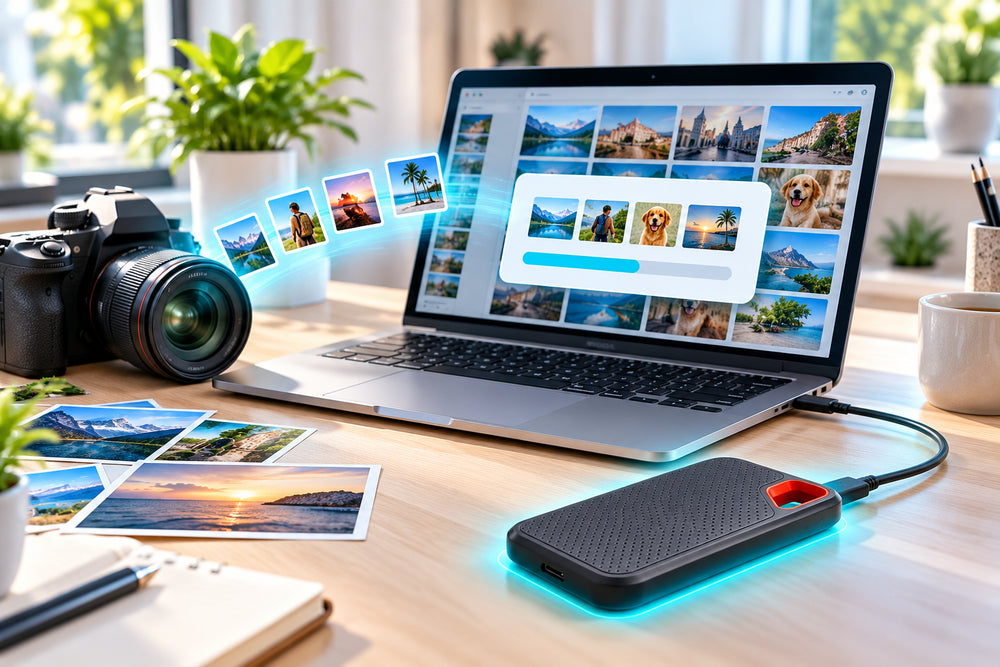
Photo and video
Offload your photos and videos to free up the computer.

Backups
Keep a copy of your important files on a separate drive.

Travel
Take your projects from one computer to another.

Games
Store game files on an external drive.
Setup in 4 steps

Plug in the drive
Connect the WiDrive® Pro to the computer's USB-C port.
Automatic detection
The drive is recognised automatically, without a driver or software.
Copy your files
Drag your files to the drive as you would to a folder.
Unplug
Eject the drive from the system before unplugging it, then take it with you.
Before ordering
Check that your computer has a USB-C port. For the best transfer speeds, plug it directly into a USB-C or USB 3.0 port, without a hub.

Frequently asked questions
How do I get the best transfers?
Is my computer compatible?
Do I need external power?
How do I carry it?
A problem during installation?
Picture installation guide
5 illustrated steps to prepare and connect your WiDrive® Pro.


Our guarantees
Free delivery
Dispatched within 48 hours, delivered in 7 to 10 days with tracking.
14-day returns
You have 14 days after delivery to request a return.
Secure payment
Encrypted payment at checkout.
UK support
By email at support@wiboostpro.com or by phone on +44 20 8154 4663, Monday to Friday, 10:00 to 18:00.