


WiFi access control keypad WiLock® Pro
WiFi Smart Lock Tuya App - WiLock® Pro
Open by code, RFID card or Tuya app, with a wall-mounted keypad connected to your access control system.
- ✓Code, EM RFID card or Tuya app
- ✓Up to 2000 users
- ✓12–24 V DC power supply, Wiegand output
- ✓Waterproof IP68 version; professional installation recommended
Tax included.
In stock, Shipment before 24 November
 Free delivery
 14-day returns
 Ships within 48 hrs
 Secure payment
Description
The WiLock® Pro is an access control system offering three unlocking methods: PIN code, EM RFID card, and the Tuya app via WiFi. It can also operate in standalone mode. Compatibility depends on the door type, thickness, and installation environment.
Specifications
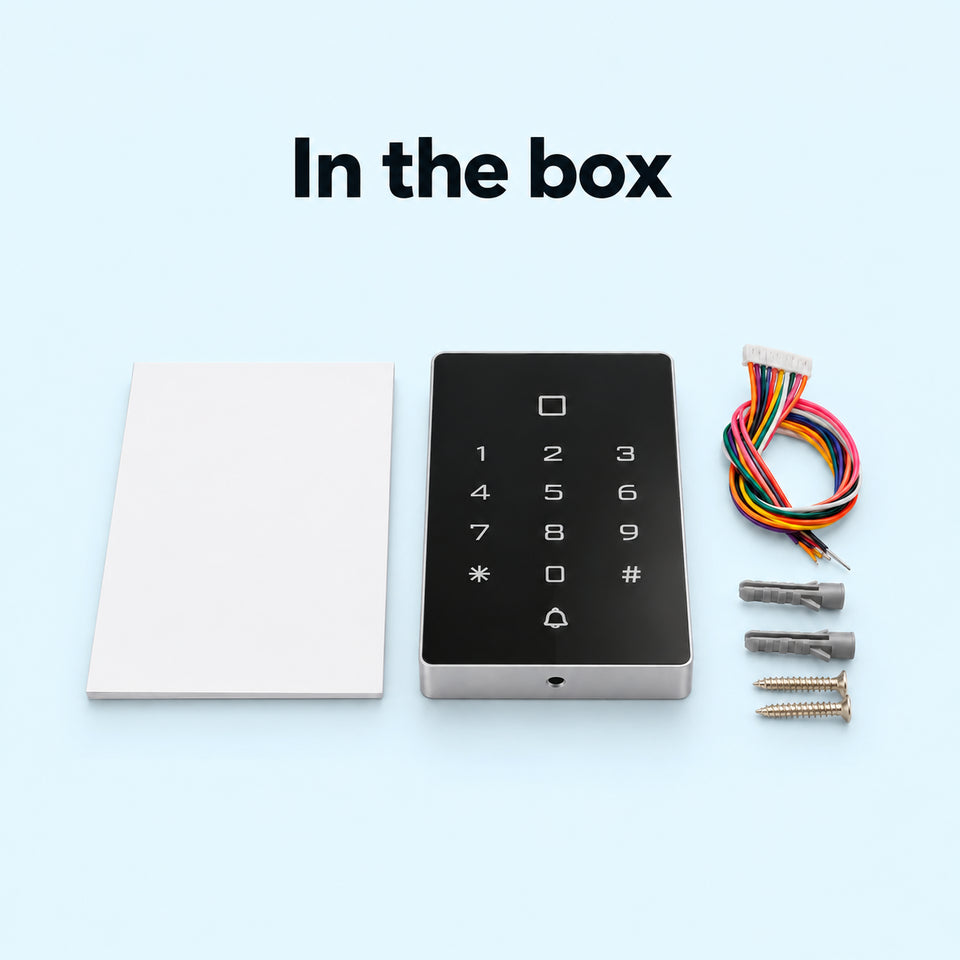
In the box
- WiLock® Pro keypad×1
- Wiring harness×1
- Wall plugs and fixing screws×1
- Instruction leaflet×1
Compatibility
Delivery & returns
Orders ship within 48 hrs and are delivered in 7 to 10 days with tracking. Free delivery on all orders. You have 14 days after receipt to request a return.

Keys that get lost and copied
Lost keys, duplicates in circulation, access that is hard to manage remotely. The WiLock® Pro replaces the key with a code, an RFID card or the Tuya app, on an access control installation.


Physical keys: Every access relies on a key to hand over, collect or have copied.
With WiLock® Pro: A code, an RFID card or the Tuya app to open, once the keypad has been connected to your access system by a professional.
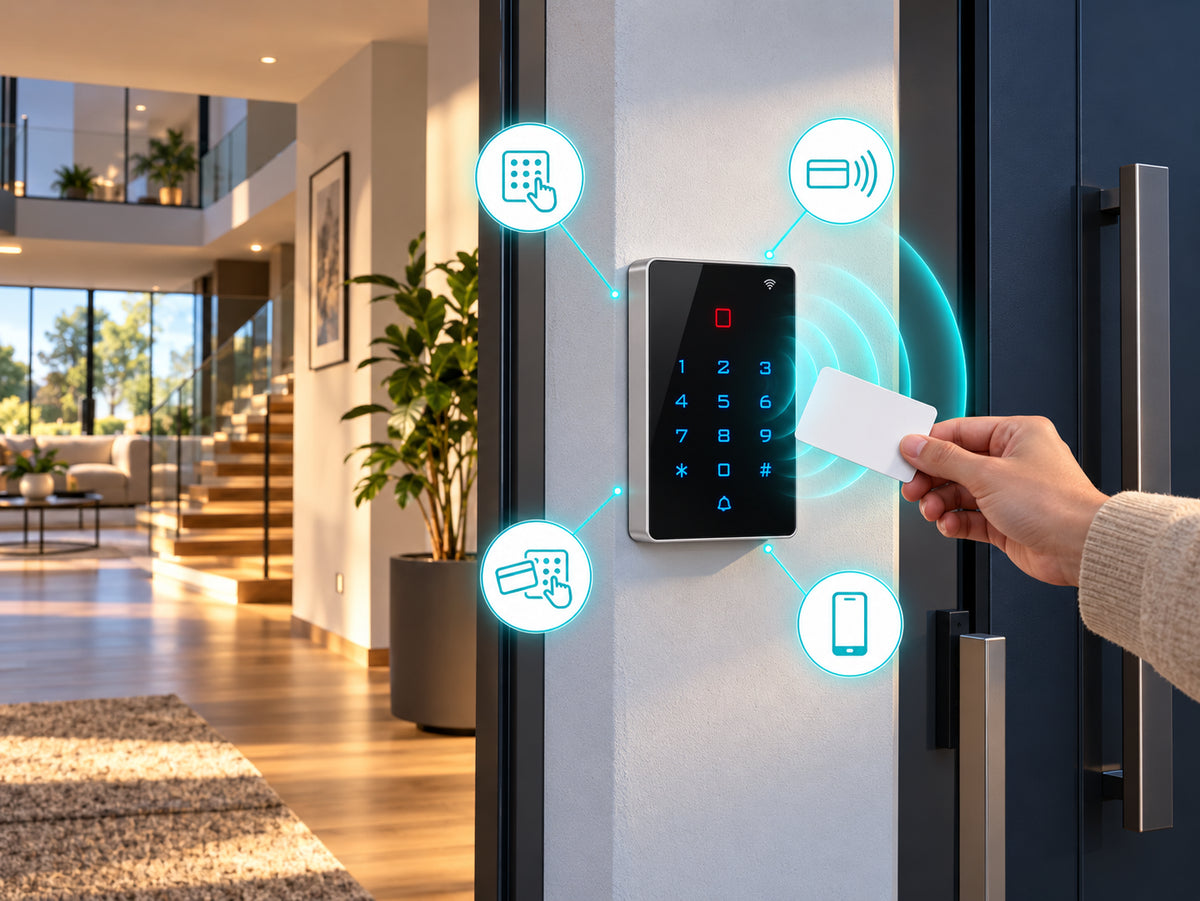
Four ways to open
Code on the backlit keypad, EM RFID card, code + card for extra security, or the Tuya app over WiFi. The keypad accepts up to 2000 users and can work standalone. Its Wiegand WG26 / WG34 output lets you connect it to an external controller.
A compact wall-mounted keypad
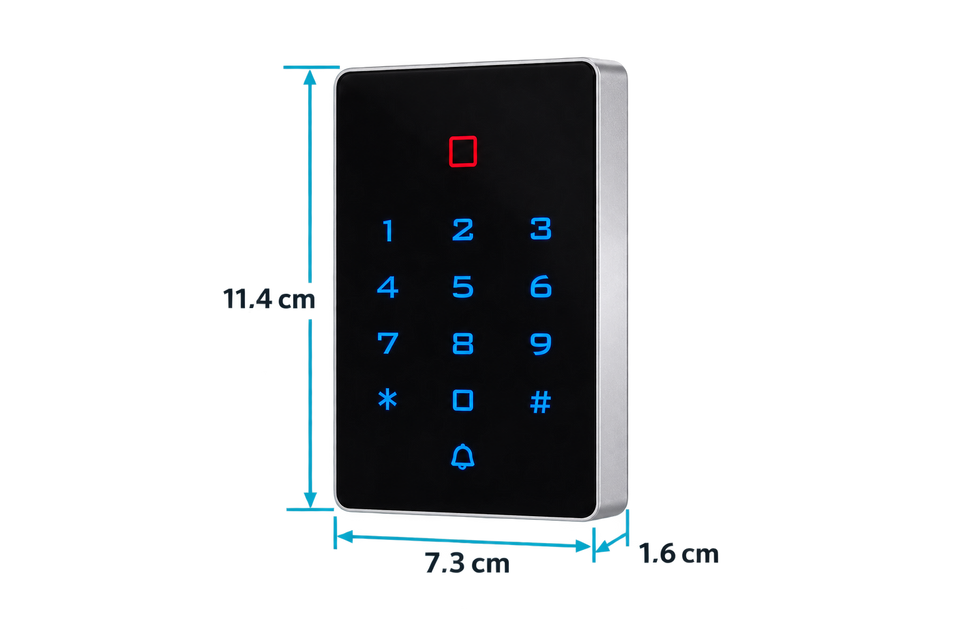
Backlit touch keypad with card reader, WiFi indicator and doorbell button, in an 11.4 × 7.3 × 1.6 cm casing. Two versions: Standard, with a silver frame, for indoors; Waterproof, all black, rated IP68.

Uses to suit your needs
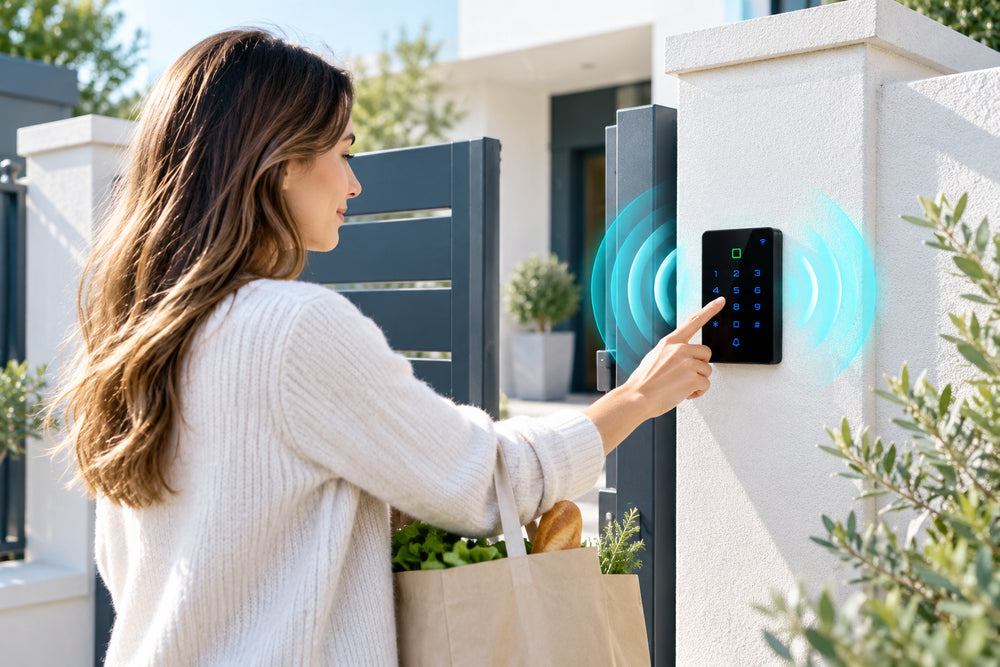
Residence entrance
Give out a code or a card rather than a physical key.
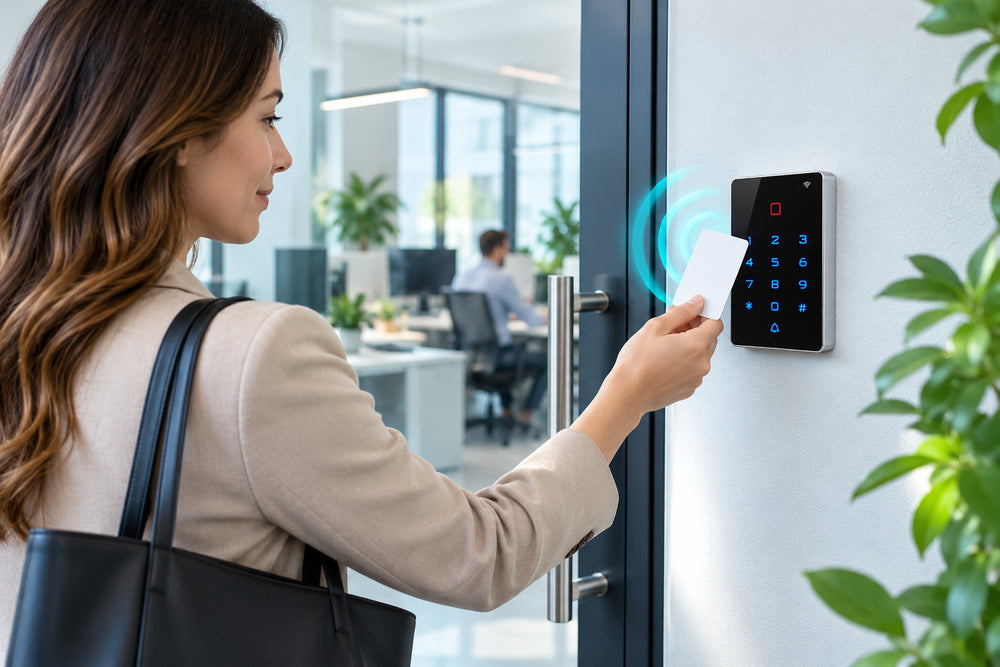
Offices and premises
Opening by RFID card, by code or from the Tuya app.
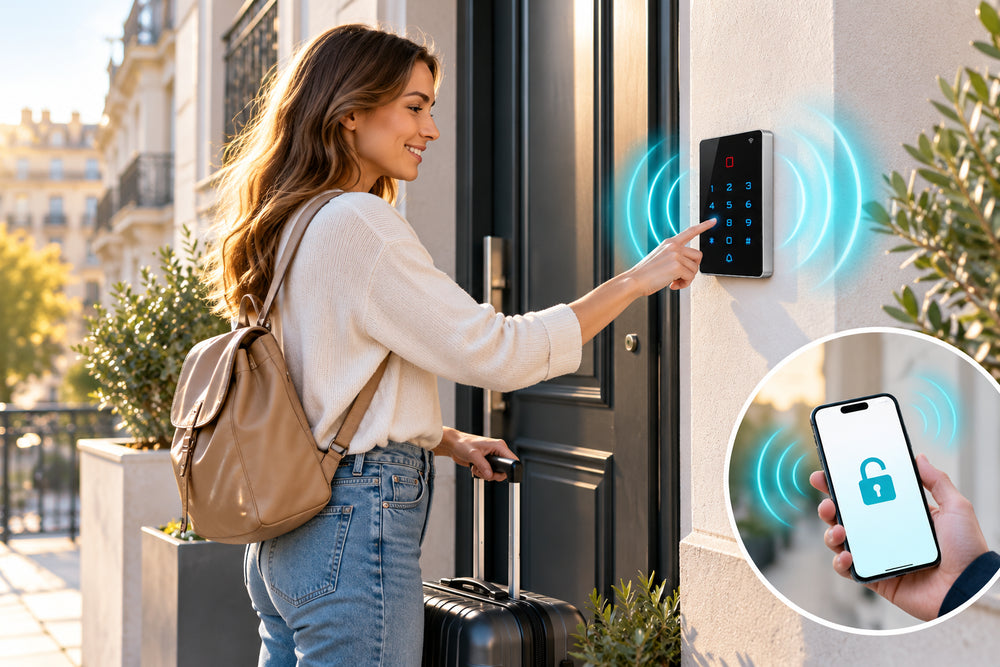
Short-term rental
Provide an access code rather than handing over a key.
Setup in 4 steps

Check your installation
Contact us with your door type and access system (electric strike, magnetic lock, controller) and the location: indoor or outdoor.
Choose the version
Standard or waterproof, depending on where the keypad is located.
Have it installed by a professional
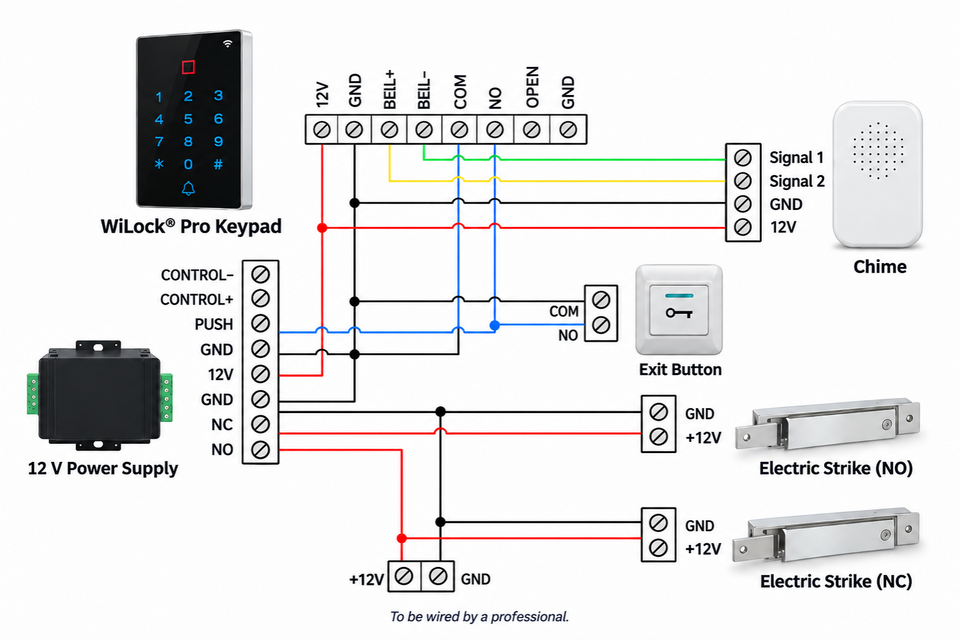
Wall mounting and 12–24 V / Wiegand wiring by a qualified installer, with the power off.
Configure
Add codes and RFID cards, then pair the keypad with the Tuya app.
Before ordering
This keypad controls your door lock: plan for an access control installation powered at 12–24 V, with a lock suited to your door, and have your project validated by your installer before buying.

Frequently asked questions
Is it a complete lock?
Can I install it myself?
Is it compatible with my door?
What is the difference between Standard and Waterproof?
What about a power or WiFi outage?
A problem during installation?
Picture installation guide
6 illustrated steps to prepare and connect your WiLock® Pro.



Our guarantees
Free delivery
Dispatched within 48 hours, delivered in 7 to 10 days with tracking.
14-day returns
You have 14 days after delivery to request a return.
Secure payment
Encrypted payment at checkout.
UK support
By email at support@wiboostpro.com or by phone on +44 20 8154 4663, Monday to Friday, 10:00 to 18:00.