


Wireless CarPlay adapter WiCarPlay® Pro
Wireless CarPlay Adapter for iPhone & Android - WiCarPlay® Pro
Switch CarPlay or Android Auto to wireless, if your car already has factory-fitted wired CarPlay.
- ✓For cars with factory-fitted wired CarPlay
- ✓Wireless CarPlay and Android Auto
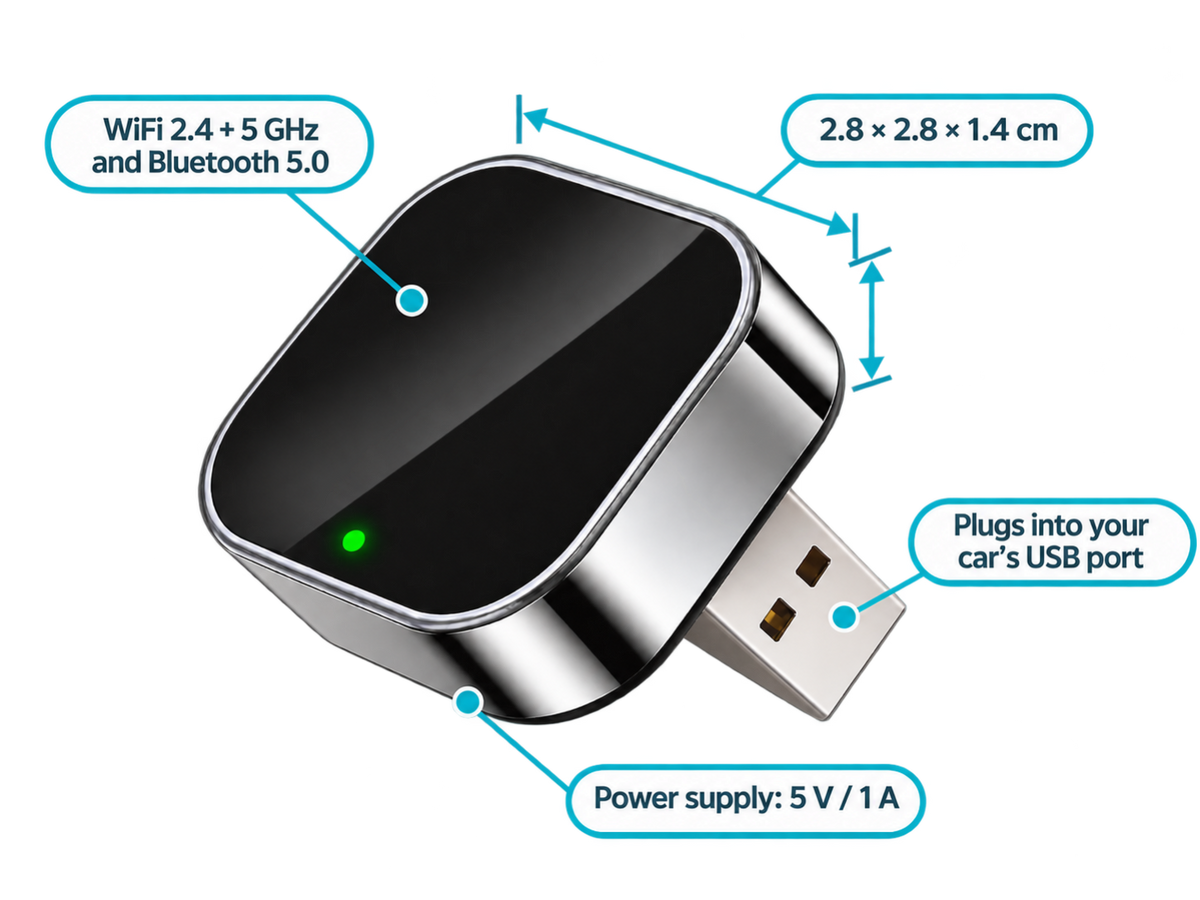
- ✓2.4 + 5 GHz WiFi and Bluetooth 5.0
- ✓iPhone 6+ (iOS 10+) or Android 11+
Tax included.
In stock, Shipment before 24 November
 Free delivery
 14-day returns
 Ships within 48 hrs
 Secure payment
Description
The WiCarPlay® Pro converts an existing wired CarPlay connection into a wireless one. Compatible with iPhone and Android, it uses 2.4/5 GHz WiFi and Bluetooth 5.0. Its compact design allows for discreet installation, with no additional app required, in vehicles equipped with factory wired CarPlay.
Specifications
Compatibility
Delivery & returns
Orders ship within 48 hrs and are delivered in 7 to 10 days with tracking. Free delivery on all orders. You have 14 days after receipt to request a return.

Plugging in your iPhone on every journey
With wired CarPlay, you have to plug in the cable every time you set off. The cable wears out, gets lost or pulls on the phone. The WiCarPlay® Pro makes the connection wireless, if your car already has factory-fitted wired CarPlay.


With a cable: Plugging and unplugging the phone on every journey.
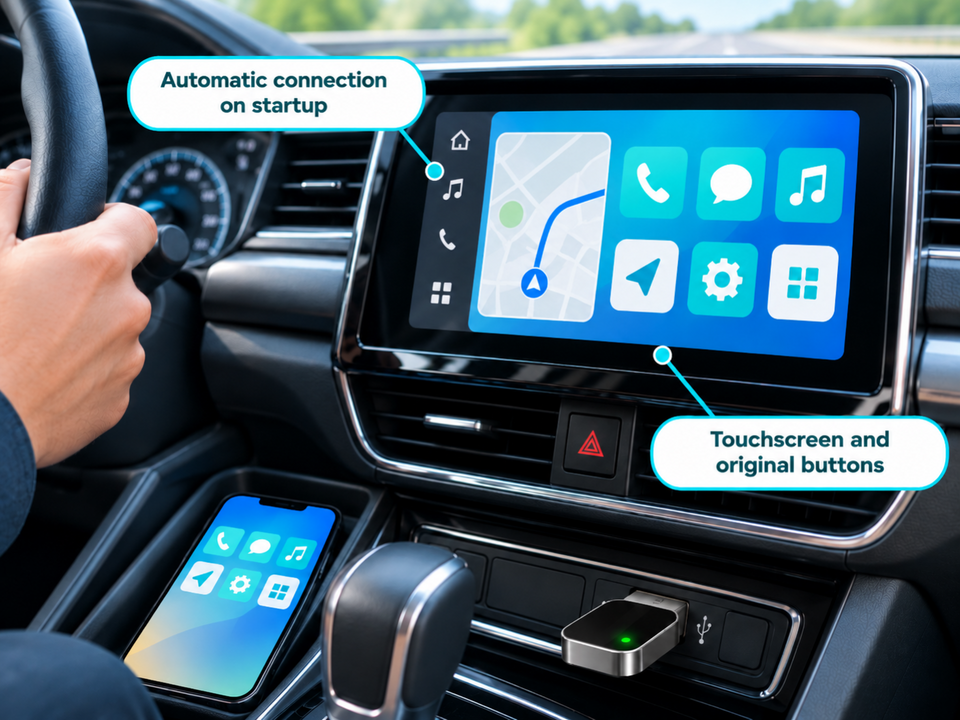
Wireless: After the first pairing, the connection is re-established automatically when the vehicle starts.
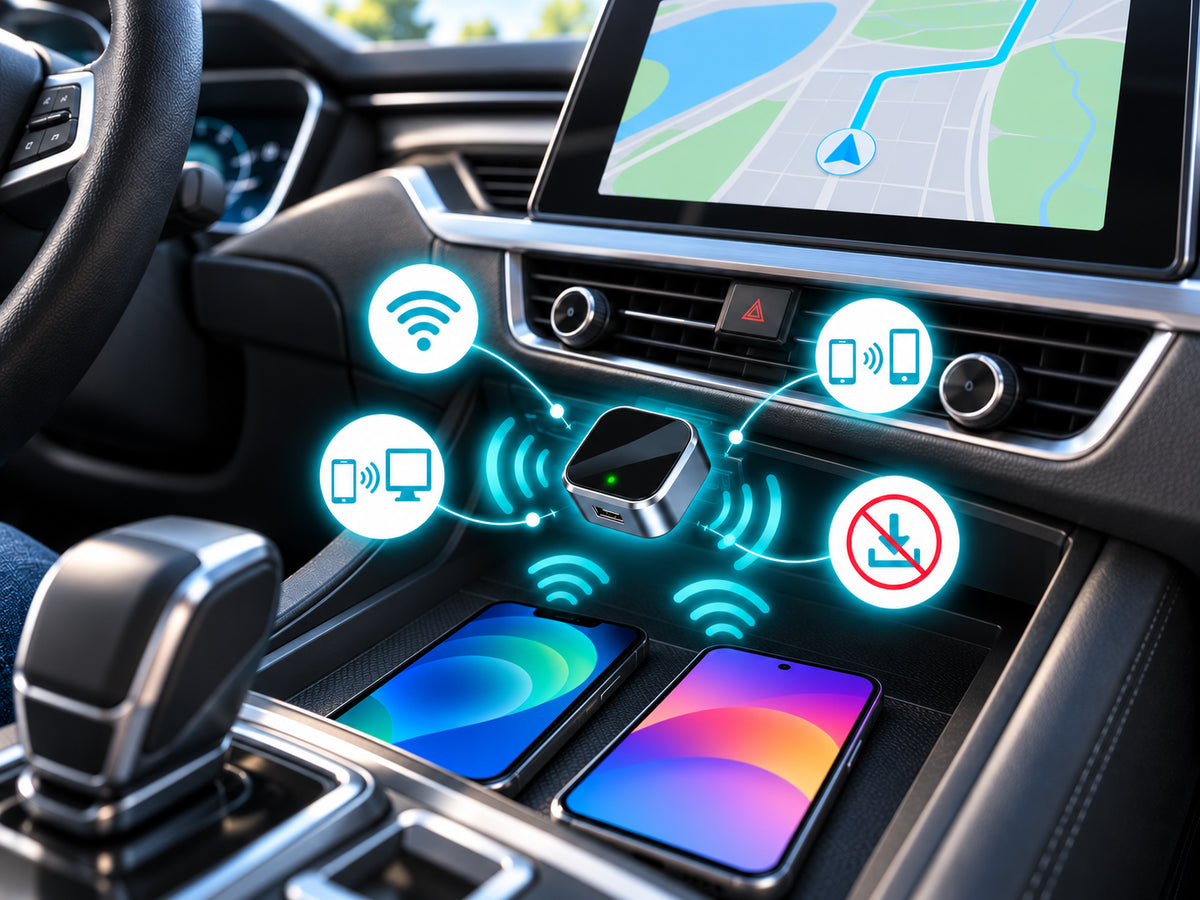
Cable-free CarPlay and Android Auto
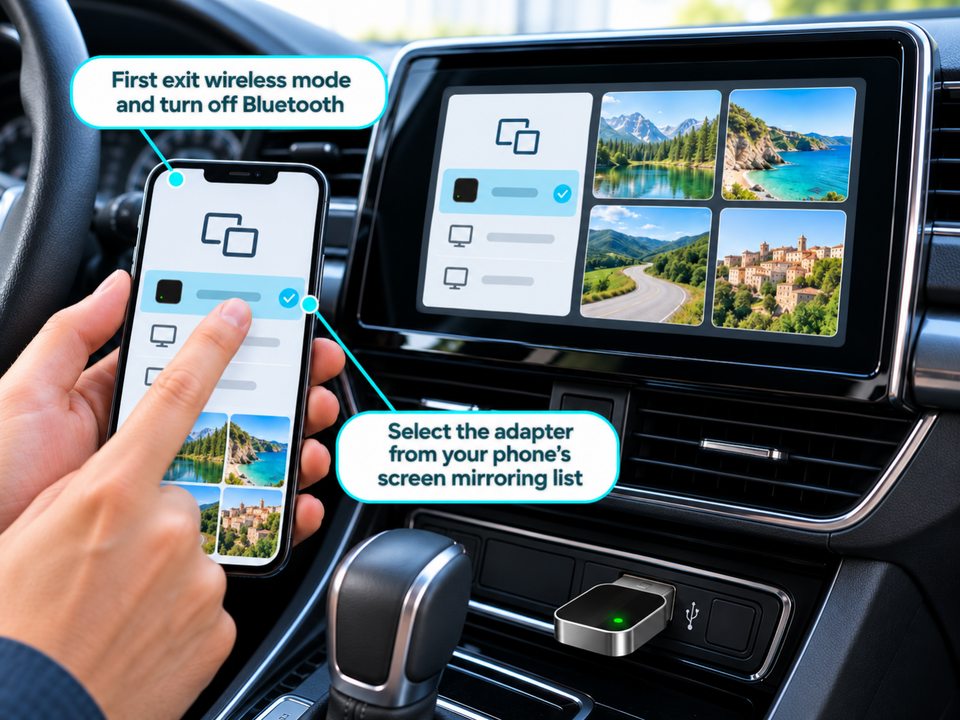
The adapter plugs into the car's CarPlay USB port and uses 2.4 + 5 GHz WiFi and Bluetooth 5.0 to communicate with the phone: wireless CarPlay with an iPhone, wireless Android Auto with Android 11 or later, and AirPlay or Miracast screen mirroring. No app to install.
A 2.8 cm unit
The adapter measures 2.8 × 2.8 × 1.4 cm and plugs directly into the CarPlay USB port. That port stays occupied by the adapter.
Uses to suit your needs

Navigation
Your CarPlay navigation apps, without plugging in the phone.

Music and calls
Music, calls and messages via CarPlay, just like wired.

Short journeys
No more cable to plug in for a few minutes on the road.
Setup in 4 steps

Check your car
Your vehicle must be factory-fitted with wired CarPlay.
Plug in the adapter
Plug the WiCarPlay® Pro into the car's CarPlay USB port.
Pair your iPhone
Turn on the phone's Bluetooth and WiFi, then start pairing. This step is only needed the first time you use it.
Drive
On later journeys, the connection is made again automatically when the vehicle starts.
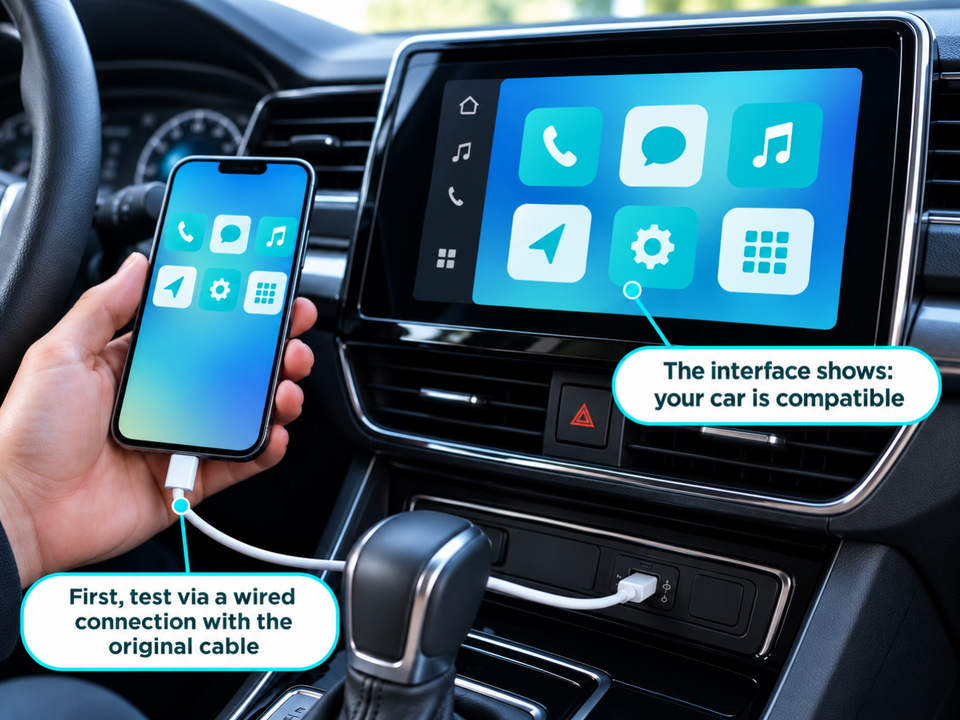
Check your car
If your car's screen shows CarPlay when you plug in the iPhone with a cable, it has factory-fitted wired CarPlay and the adapter is compatible.

Frequently asked questions
Is my car compatible?
Does it work with an Android phone?
Do I need to install an app?
Do I need to pair the phone on every journey?
What size is the adapter?
A problem during installation?
Picture installation guide
5 illustrated steps to prepare and connect your WiCarPlay® Pro.


Our guarantees
Free delivery
Dispatched within 48 hours, delivered in 7 to 10 days with tracking.
14-day returns
You have 14 days after delivery to request a return.
Secure payment
Encrypted payment at checkout.
UK support
By email at support@wiboostpro.com or by phone on +44 20 8154 4663, Monday to Friday, 10:00 to 18:00.